

Voice to text, right from your menu bar
Hold your hotkey to record. Release to paste. Voxxy is a macOS menu bar app that transcribes your voice and pastes it into any text field. On-device. Private. Fast.
7-day free trial · macOS 26 Tahoe or later


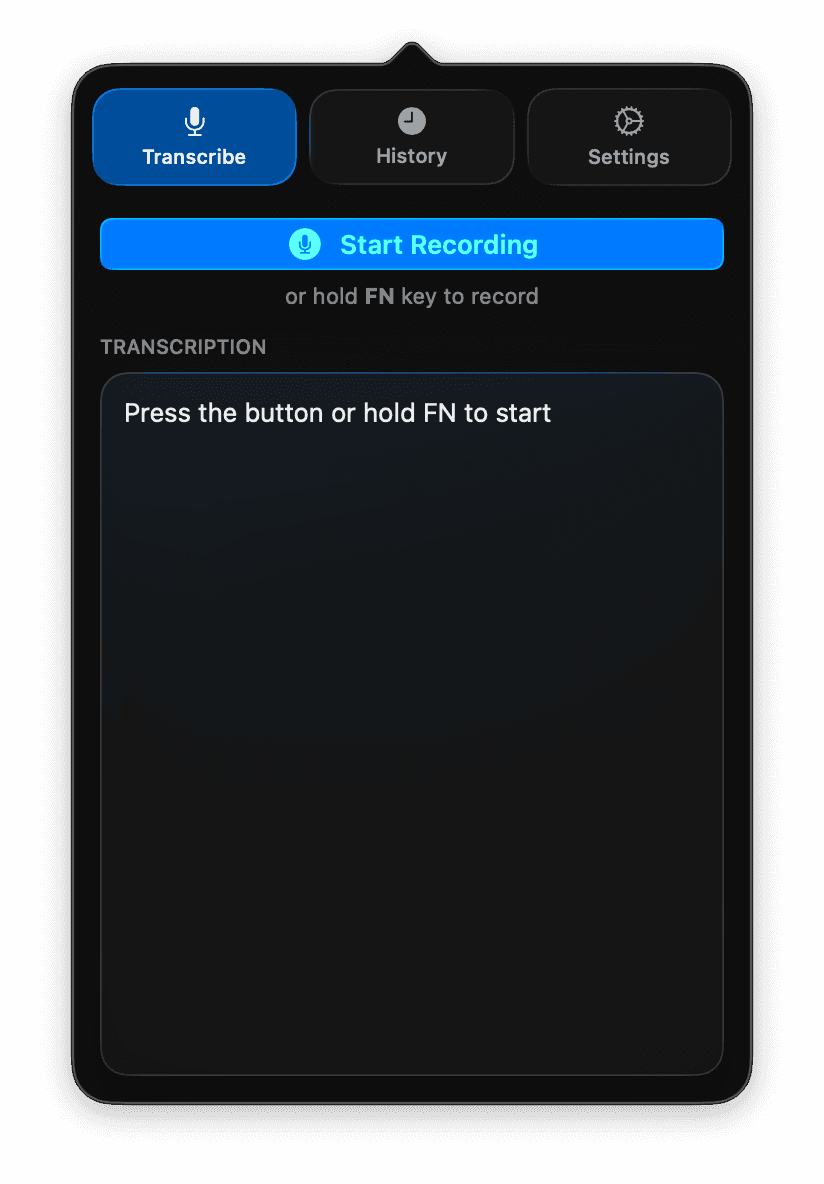
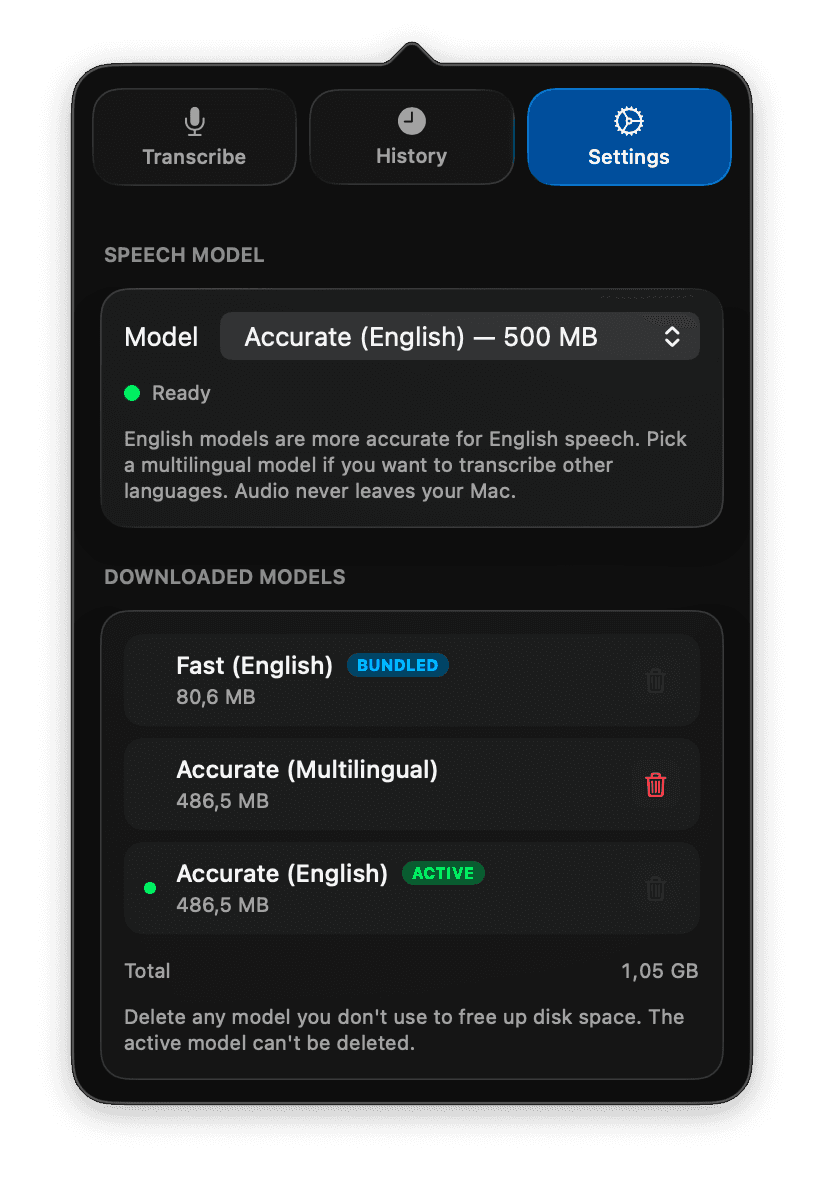
Everything you need, nothing you don't
Simple, fast, private voice transcription.
Whisper-Powered
Powered by OpenAI's Whisper, the state-of-the-art open-source speech recognition model. Runs entirely on-device via WhisperKit and Core ML.
Hold to Record
Hold your chosen hotkey anywhere on your Mac to start recording. Release to stop and auto-paste. Pick FN, Option, Command, Control, or Shift.
Auto-paste
Transcribed text is automatically copied to your clipboard and pasted into the active text field.
35+ Languages
English, German, French, Spanish, Japanese, Chinese, Korean, and many more languages supported.
On-device Processing
Your voice data never leaves your Mac. All speech recognition happens locally for complete privacy.
Lightweight & Simple
Lives quietly in your menu bar. No API keys, no accounts needed. Just install and start talking.
How it works
Hold your hotkey
Press and hold your configured hotkey (FN by default, or Option, Command, Control, or Shift). Voxxy starts recording and mutes system audio.
Speak
Say whatever you want to type. You'll see a recording indicator on screen.
Release
Let go of the hotkey. Your speech is transcribed and pasted into the active text field.

Ready to use Voxxy?
Try it free for 7 days. €8.99 one-time to keep it forever.